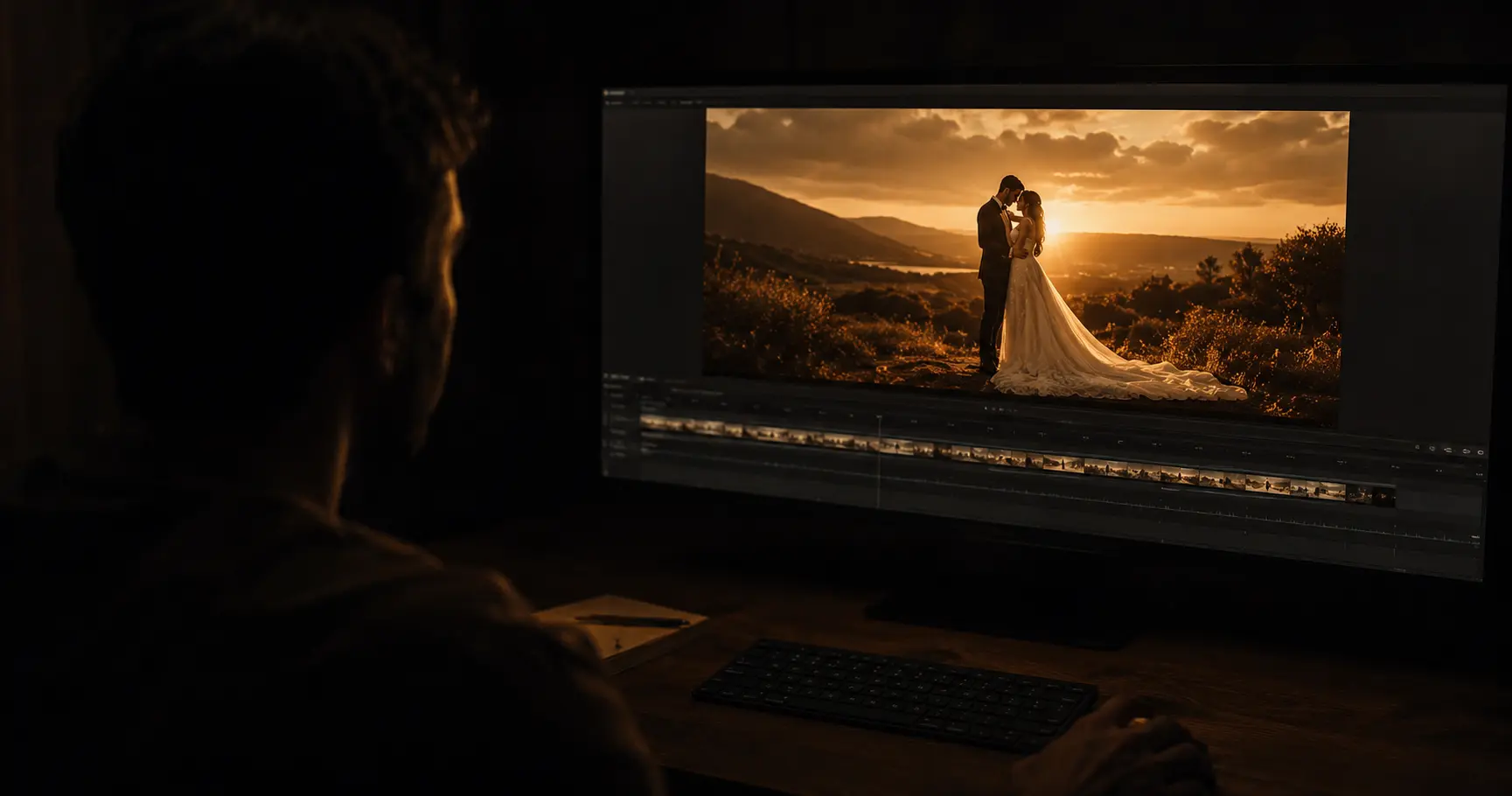
You've spent months building a colour palette. You know your edit style intuitively — fast, emotional cuts over orchestral swells; or slow, documentary pacing that lets the ceremony breathe. Then you send 200GB of footage to a new editor and get back something that feels… fine. Competent. But not yours.
Style mismatch is the most common complaint videographers have when outsourcing edits. And almost every time, the root cause isn't the editor's skill — it's that the style lives in your head and nowhere else.
The fix is a style sheet: one document, written once, reused with every editor you ever work with. Not a brief for a single wedding — a standing description of how your films are made. This guide shows you how to build one, how to version it per deliverable, and how to keep it improving after every project.
A Style Sheet Is Not a Project Brief
These two documents get confused constantly, and the confusion is why so many briefs fail. They answer different questions and they have different lifespans.
| Style sheet | Project brief | |
|---|---|---|
| Answers | How do my films always work? | What happened at this wedding? |
| Written | Once, then revised a few times a year | Every project |
| Contains | Pacing, grade, structure, hard rules | Names, timings, must-include moments, music supplied |
| Length | One page, and it should stay one page | Whatever the wedding needs |
| Changes when | Your style changes | Always |
If you send only a project brief, every editor reconstructs your style from scratch and guesses. If you send only a style sheet, they know how you cut but not that the bride's grandmother flew in from Lisbon and appears for four seconds. You need both — but the style sheet is the one that pays back, because you write it once.
Why Style Drifts Even With a Brief
There are three sources of drift between what you shoot and what an editor delivers:
- Colour language without reference. "Warm and cinematic" means something different to every editor. Without a frame of reference, editors default to their own taste.
- Pacing described abstractly. "Emotional but not slow" is not actionable. A timestamp is.
- Missing negative examples. Telling an editor what you like is half the job. Telling them what you never want is often more useful.
The best brief I ever received had three sections: "Always do this," "Never do this," and "When in doubt, do this." That third column changed everything. — FrameFlow editor, 4 years on the team
The Four Dimensions a Style Sheet Has to Cover
Before you write anything, be decisive on each of these four axes. Vagueness here is what turns into revision rounds later.
| Dimension | What to define | How to communicate it |
|---|---|---|
| Colour grade | Temperature, lift, saturation, skin tone priority | 2–3 reference stills from your own work + 1 from someone whose grade you love |
| Edit rhythm | Average cut length, how tightly you cut to music | Timestamp a 60-second section of an existing highlight reel you love |
| Sound design | How loud ambient audio sits under music, use of silence, room tone | Note your preferred balance and give one reference film |
| Narrative structure | Chronological vs thematic, vow/speech usage, where the film opens | Write three sentences describing your typical highlight reel arc |
Colour is the dimension people over-explain and still get wrong, because it is the one that genuinely needs technical specifics — log profile, LUT references, how you want mixed lighting handled. That belongs in its own document rather than squeezed into a one-pager: see how to brief your colour grade when you outsource for the full version. Your style sheet only needs to say which grade brief applies and point at it.
Build the Style Sheet: Five Sections
It takes about 90 minutes to write properly and pays that time back on every project afterwards. Keep it to one page — the moment it becomes four pages, editors stop reading it.
Section 1 — Who you are (3 sentences)
Your brand positioning: what kind of couples you work with, your geographic market, your price point. This is context, and context changes judgement calls. An editor working on a £5,000 countryside elopement should be thinking differently than one on a £25,000 five-camera cathedral wedding. Without this, an editor applies the same instincts to both.
Section 2 — Colour reference (2–4 images)
Pull frames from your own portfolio, not from films you admire. Choose a bright outdoor scene, a dark interior, and at least one close-up with skin tones in frame. Those three cover the situations where colour decisions actually get made. One frame from someone else's work is useful as a target, but mark it clearly as aspiration rather than record — otherwise an editor will try to match a camera and a grade you don't shoot.
Section 3 — Pacing reference (1 timestamp link)
Link a video — yours or someone else's — and write: "From 0:42 to 1:30, this is the exact rhythm I want for the ceremony sequence." One timestamp is worth a thousand adjectives.
If you want to be more precise, give average shot lengths by section. Most editors can work to these immediately:
| Section | Typical shot length | What it signals |
|---|---|---|
| Opening / establishing | 3–5 seconds | Let the viewer arrive before anything happens |
| Preparation | 1.5–3 seconds | Energy and anticipation; the montage register |
| Ceremony | 4–8 seconds | Let moments land; cutting fast here reads as nervous |
| Vows and speeches | Cut on meaning, not on time | The sentence is the unit, not the second |
| Reception / party | 1–2 seconds | Rhythm carries it; individual shots stop mattering |
You do not need to agree with these numbers. You need to write down your numbers, because the alternative is that an editor writes them for you.
Section 4 — Narrative arc (3 sentences)
Most wedding films follow one of three shapes. Name yours, and say what opens the film — this single decision drives more of the edit than anything else on the page.
| Arc | How it runs | Opens on |
|---|---|---|
| Chronological | Morning to last dance, in order | Details, venue, first light |
| Vow-led | Vow audio runs across the whole film as spine | A line from the vows, over black or a wide |
| Thematic | Built around a sentiment the speeches supply | The strongest emotional beat, out of sequence |
Section 5 — Hard rules (bullet list)
Non-negotiables. Be direct and be specific enough that compliance is checkable:
- Never cut during a vow sentence — always let the thought complete
- Always include the first dance full song, minimum 90 seconds
- No jump cuts on speeches, ever
- Colour grade faces before anything else — skin tones are the priority
- No speed ramps in the ceremony, anywhere
- Never open on drone footage
Add the music brief here too. If you supply the music, note the BPM range you work in and where the major beats should fall — "the first big drop hits at the ceremony exit." If the editor selects it, describe the mood in film terms: "Hans Zimmer, not Ed Sheeran." Licensing is a separate problem and a costly one to fix late; music licensing when you outsource editing covers what to send and what rights the editor needs.
One Style Sheet, Four Deliverables
The mistake most videographers make is writing a single sheet for the highlight film and letting everything else inherit rules that don't suit it. A 90-second Instagram cut does not follow highlight-film pacing, and a 70-minute documentary edit does not follow either.
Keep one sheet, and add a short override block per deliverable:
| Deliverable | What overrides the main sheet |
|---|---|
| Highlight film (5–7 min) | The main sheet is written for this. No overrides. |
| Full documentary edit | Pacing rules suspended; grade and hard rules still apply. Define how much is cut versus left whole. |
| Teaser (60–90 sec) | Faster than the highlight by roughly a third. Say whether speech audio is allowed at all. |
| Vertical / social cut | Framing is the whole problem. State whether reframing may crop faces and whether text overlays are permitted. |
Four short blocks. The point is that an editor should never have to guess which rules carry over.
When the First Cut Still Misses
Even a good sheet has gaps, and they only become visible once you watch a cut. The useful move is to diagnose which section was missing rather than send a list of timestamps — fixing the sheet fixes every future project, fixing the timestamps fixes one.
| What you felt watching it | Which section was thin | What to add |
|---|---|---|
| "It's too fast / too slow" | Pacing | Shot lengths per section, or a second timestamp reference |
| "The colour is off but I can't say how" | Colour reference | A still from a similar lighting situation, plus your log profile |
| "Technically fine, emotionally flat" | Narrative arc | Name the arc, say what opens the film |
| "Music fights the speeches" | Sound design | State that speech always sits above music, and by how much |
| "They did a thing I hate" | Hard rules | Add it to the never list — that is literally what the list is for |
| "It's not wrong, it's just not mine" | Section 1 | Positioning context — who your couples are and what they paid for |
Think of your style sheet as a training document. The first edit is the test. Every edit after that should require less back-and-forth, not more.
Turn Revision Notes Into Permanent Rules
The sheet earns its keep through maintenance, and maintenance is nearly free if you do it at the right moment. After every project, spend ten minutes on this:
- Read your own revision notes. Anything you asked for twice across two different projects is not a note. It is a rule you never wrote down.
- Promote it. Move it into Section 5 in the editor's words, not yours — if you wrote "the grandmother shot should be longer," the rule is "never cut a family reaction under two seconds."
- Delete something. A one-page sheet stays one page. If a rule has not been needed in a year, your style moved on.
- Date it. Editors need to know which version they are holding, and so do you.
Videographers who do this report the same pattern: the first project with a new editor takes two or three rounds, the second takes one, and by the fourth the sheet is doing the talking. That is the whole return on the exercise.
Choosing an Editor Whose Style Already Fits
A sheet closes the gap, but it closes a smaller gap faster when the editor's instincts already sit near yours. Two fast checks before you hand anything over: watch their portfolio on mute to read pacing, colour consistency and structure without music carrying it, then watch it again with sound to judge how they balance ambient audio against the score. If every film in a reel looks identical regardless of venue and wedding style, you are looking at a template, not a style.
The fuller vetting process — rates, communication, revision policy, what to ask and what the answers should sound like — is in how to vet an outsourced wedding video editor.
Common Style Sheet Mistakes
| Mistake | Why it causes problems | Fix |
|---|---|---|
| "Just make it feel cinematic" | Every editor has a different definition of cinematic | Name three films whose grade you'd be happy with |
| Sending 15 reference films with no notes | The editor doesn't know which element of each film you love | One reference per dimension — colour, pacing, sound, structure |
| Only describing what you want | Editors can't avoid what they don't know bothers you | Add a "never do this" list to every sheet |
| No feedback on the first draft | The sheet can't improve without specific revision notes | Even "this is perfect" with a timestamp is useful — it confirms what worked |
| Letting the sheet grow to four pages | Long documents get skimmed, and the hard rules are what gets skipped | Promote and delete at the same time; one page, always |
| Rewriting it for every editor | You end up with versions that disagree with each other | One sheet, dated. Overrides per deliverable, not per person. |
Style Sheet Checklist
Before sending your next project to any editor, tick these off:
- ☐ Three sentences of positioning — couples, market, price point
- ☐ 2–4 colour reference stills from your own work, varied lighting
- ☐ 1 pacing reference with a specific timestamp, or shot lengths per section
- ☐ Your narrative arc named, and what the film opens on
- ☐ A hard rules list — at least five specific, checkable items
- ☐ Music mood in film or artist terms, not adjectives alone
- ☐ At least one negative example: the thing you never want to see
- ☐ Override blocks for any deliverable that isn't the highlight film
- ☐ A date on the document
Once the sheet exists, a new project needs about 30 minutes of wedding-specific brief on top of it. That is the difference between two rounds of revisions and five.
Frequently Asked Questions
How long should a style sheet be?
One page. If it runs longer, editors skim it, and what gets skipped is usually the hard rules — the part that matters most. When you add a rule, delete one that has gone stale.
Do I need a different sheet for each editor?
No, and separate versions are how they start contradicting each other. Keep one dated sheet and add override blocks per deliverable instead.
What if I don't know my own style well enough to write it down?
Watch three of your own films back to back on mute and write down what repeats. The pattern you cannot stop making is your style, whether or not you have ever named it.
Should the style sheet include technical specs?
Only a pointer. Codecs, frame rates, log profiles and delivery formats change per project and belong with the footage handoff — see the footage handoff checklist. The style sheet is about taste, not transport.
How often should I revise it?
Ten minutes after each project to promote repeated notes into rules, and a proper read-through two or three times a year. Date every revision.
Will a good sheet remove revision rounds entirely?
No, and expecting that is how people end up disappointed with a perfectly good editor. The first project with anyone new is where the gaps show. What a sheet does is make the second project much cheaper than the first.
At FrameFlow Edit, every project starts with a style intake — a short onboarding call or form where we capture exactly the elements above before an editor is assigned. If you're ready to test whether we can match your style, the first project starts at $99 with unlimited revisions until it's right.